For parents
Welcome to Brightnest
Your child’s nursery, all in one calm and private place — instead of scattered across group chats.
What is Brightnest?
Brightnest is your school’s own private app. It keeps school news, messages, and photos in one place, instead of in group chats. Just log in with the username and password your school gives you.
What you’ll see
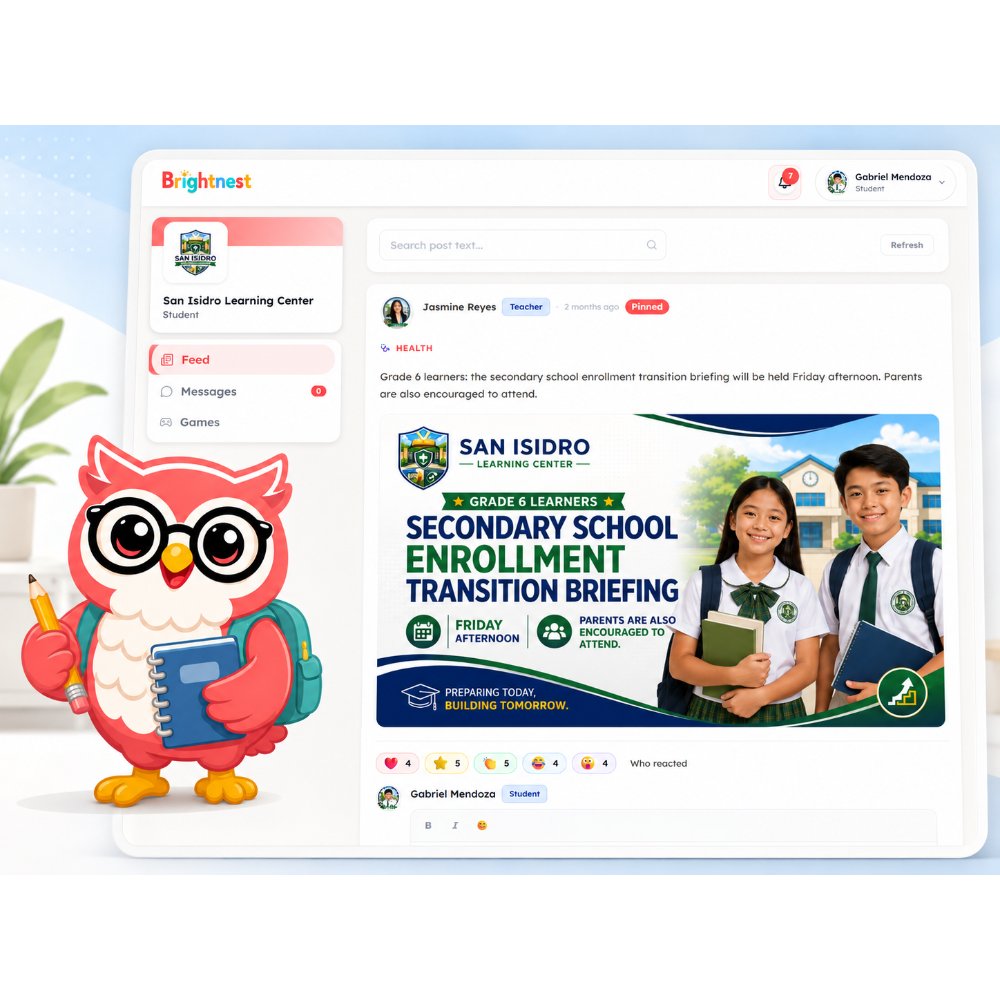
When you log in, you land on your child’s school feed:
- Announcements and updates from teachers and the school
- Tap a heart or leave a comment to say thanks
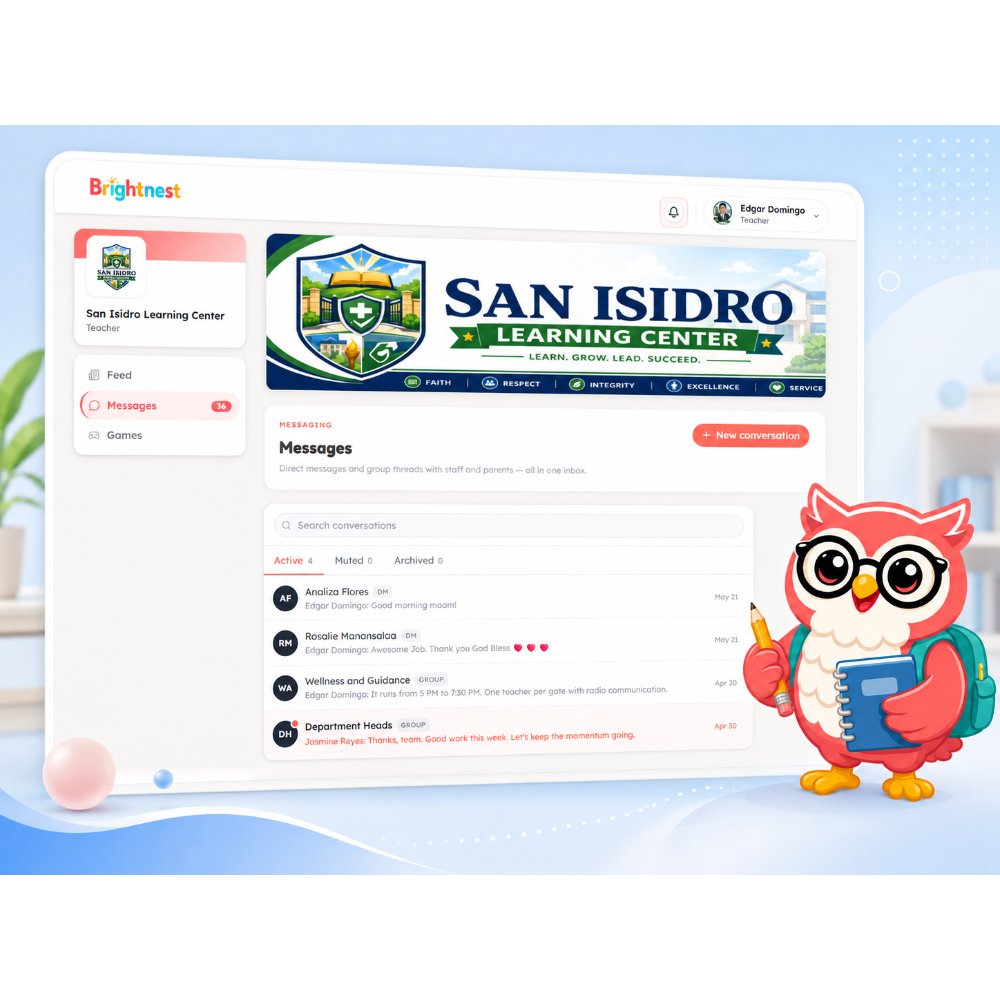
- Messages from your child’s teacher and class
Getting started
No sign-up needed — and you can add Brightnest to your phone’s home screen so it opens like a regular app.
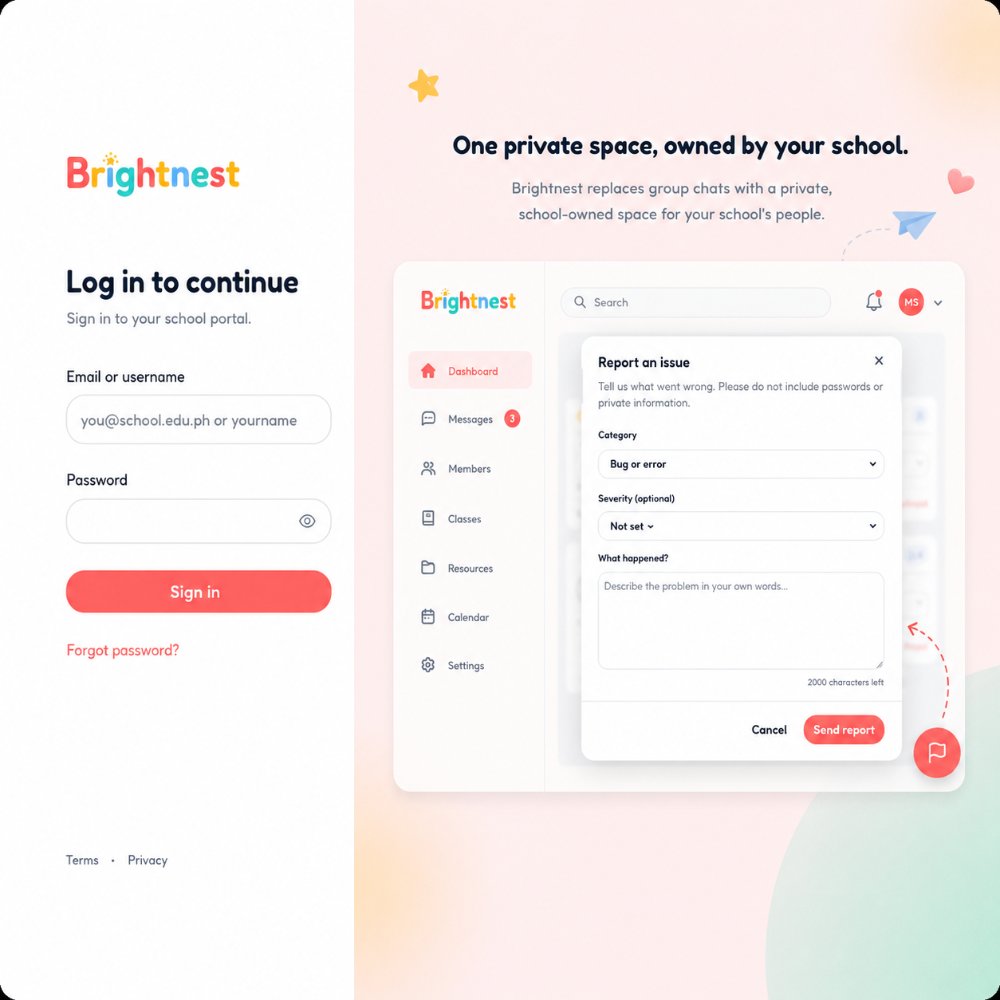
- 1Your school sends you a link to Brightnest, along with your child’s username and password.
- 2Open the link and log in with those details.
- 3That’s it — you’re in your child’s school feed.
See a problem, or have feedback? Use the Reportbutton (the round coral button with a flag icon on the right edge of the screen) any time you’re logged in. It goes straight to the Brightnest team with the page you were on, so we can fix it fast.
Questions? Your school is the best first stop — they can help with your login and anything about your child’s class.